
TON plugin for IDEs from JetBrains
TON plugin for IntelliJ IDEA (Ultimate and Community), WebStorm, CLion, GoLand, PyCharm, RustRover, and all other JetBrains IDEs.
Installation
From marketplace
- In the IDE, open Settings
Skip this step if you do not have open projects and are in the Start menu - Go to Plugins
- Select the Marketplace tab (default)
- Search for
TON - Select the official plugin from TON Core and click Install
The plugin would be fetched and installed in your current JetBrains IDE. You might need to restart it for changes to take effect.
Here is how the plugin installation page may look in the start menu of WebStorm, before pressing the Install button:
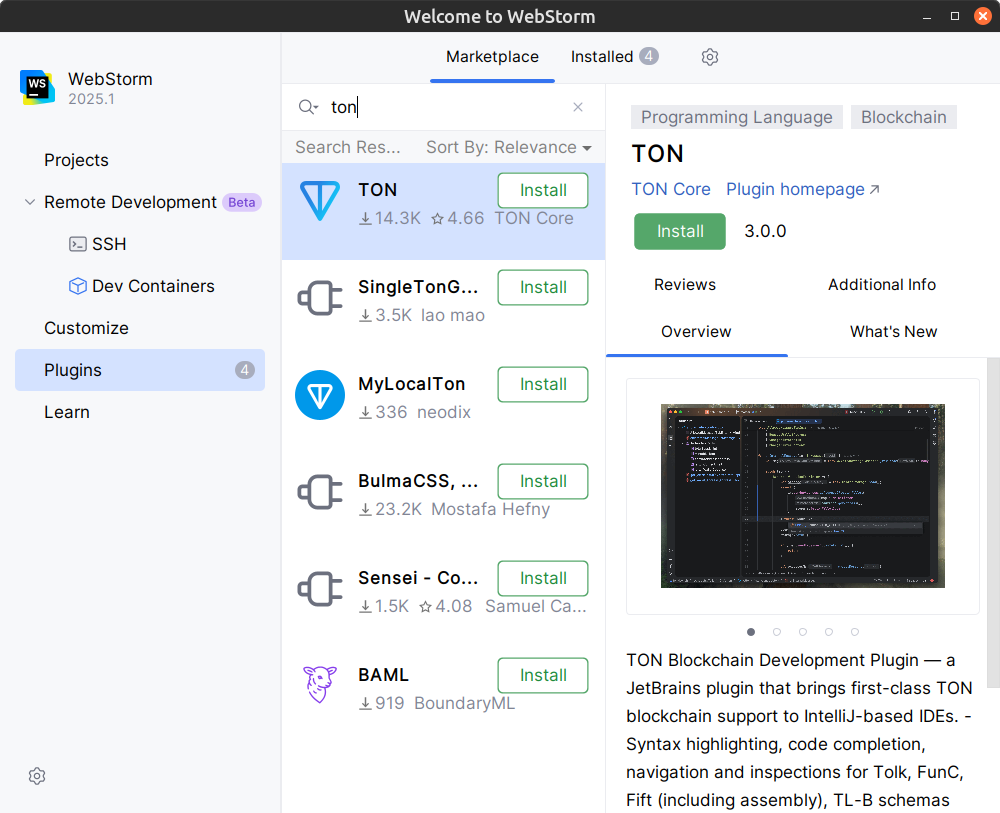
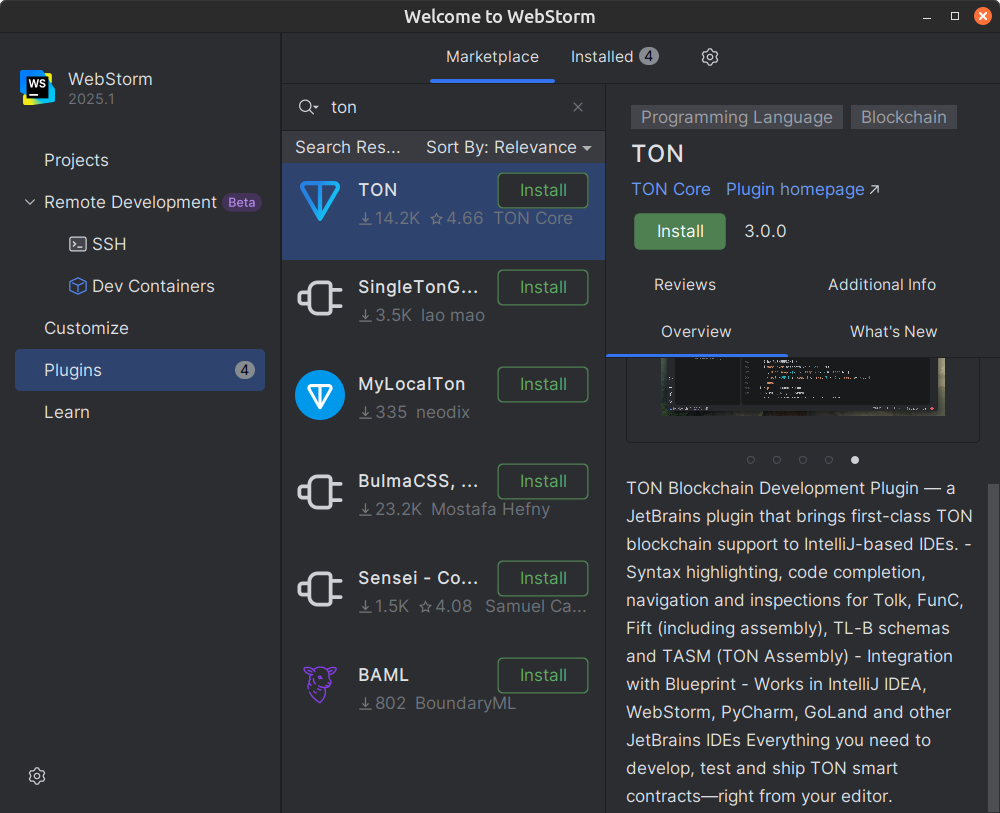
Alternatively, you can press Get on the plugin homepage in the JetBrains Marketplace and then follow subsequent instructions.
From disk
To manually install the plugin:
- Download the plugin archive from the latest GitHub release or from the exact version on the marketplace
- In the IDE, open Settings
Skip this step if you do not have open projects and are in the Start menu - Go to Plugins
- Click the gear icon on top and then select
Install Plugin from Disk... - Select the plugin archive in the pop-up and complete the installation
See also: Installing a plugin from the command line in IntelliJ IDEA.
Features and language support
This plugin provides first-class support for TON-specific languages, schemas, and data formats in IntelliJ-based IDEs. Everything you need to develop, test, debug, and deploy TON smart contracts is made available right from your favorite JetBrains-made editor.
Tolk
Recommended language for TON smart contract development
FunC
Legacy TON smart contract programming language
Fift
Low-level stack-based language with deep TVM integration
TL-B
Cell-based data serialization and markup language
TON Assembly (TASM)
Textual TVM bitcode assembly language and corresponding (dis)assembler
Integrations
Work with Acton projects and other tools for TON development
Tolk
File extension: .tolk
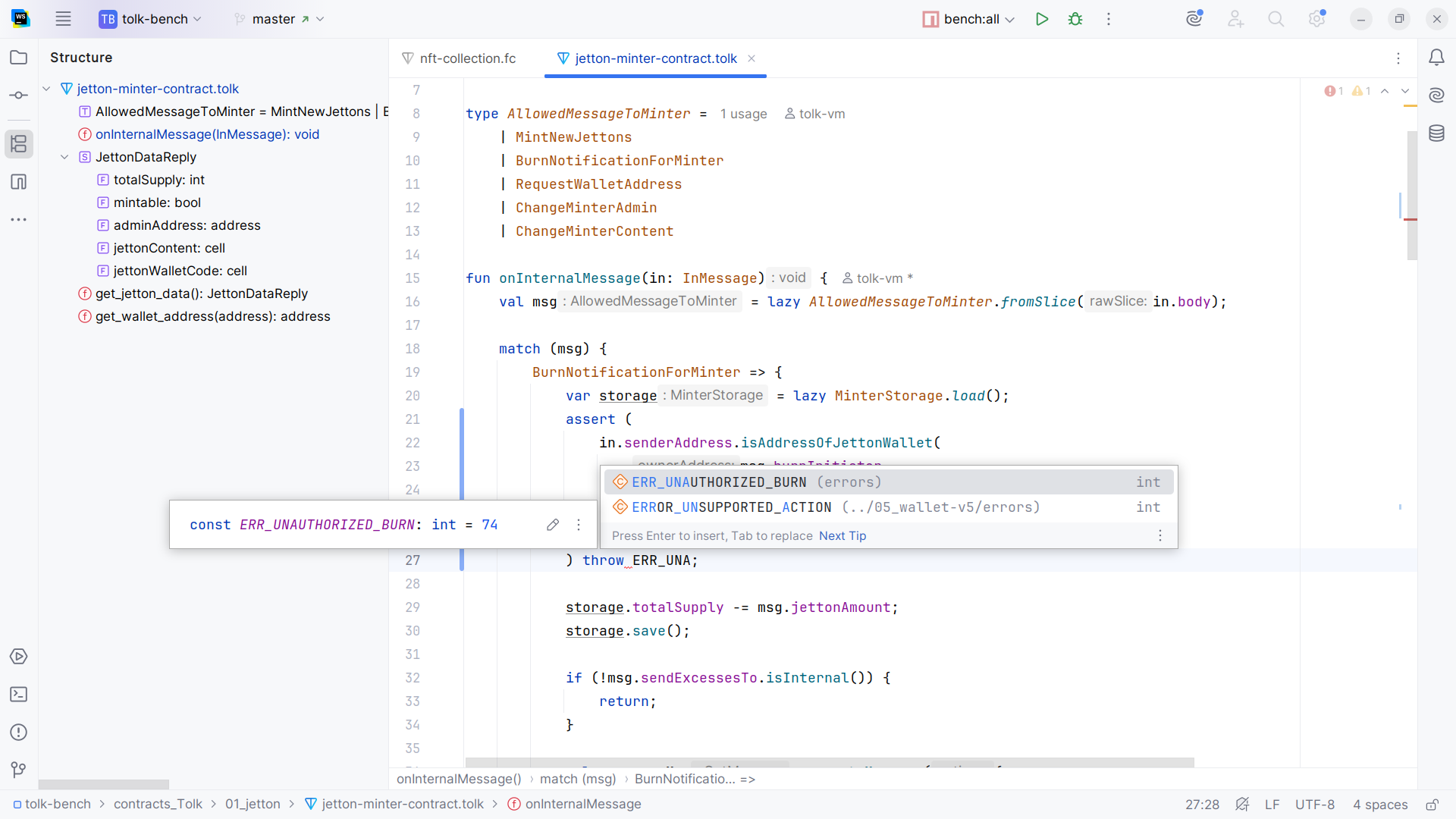
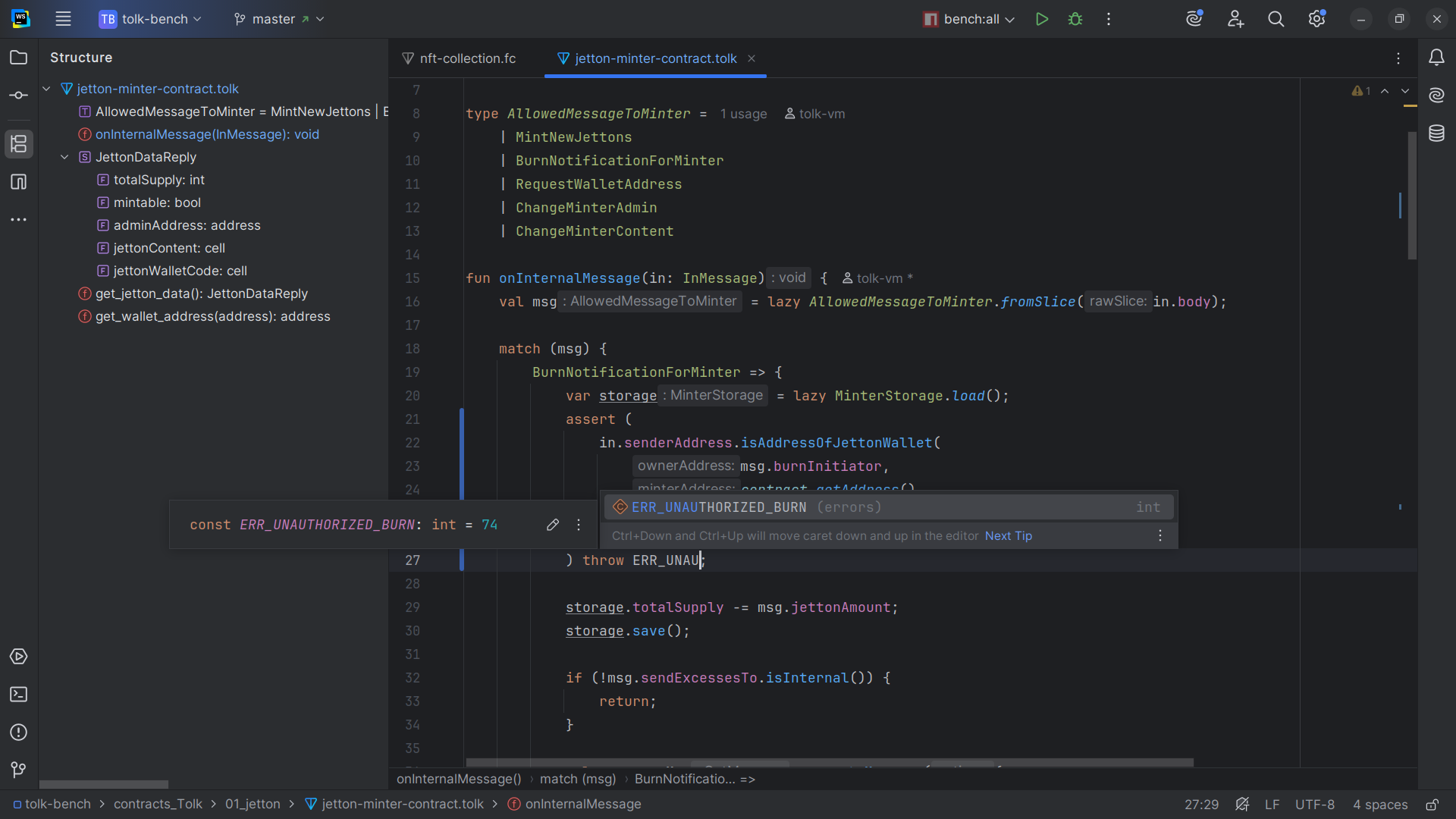
The plugin provides the following features for Tolk files:
- Syntax and error highlighting
- Code completion — context-specific suggestions as you type
- Parameter info — names of parameters in function calls, with option to enable complete function signatures info
- Quick documentation — pop-up and hover documentation for any symbol right from the editor
- Declarations — go to declarations, implementations, and types
- Usages — search for references and usages of a code element throughout the codebase
- Inlay hints — special in-editor markers, like parameter name blobs next to the corresponding argument values
- Inspections — detects, finds, and highlights various problems and abnormal code
- Intention actions — contextual code edits and quick fixes
- Formatting — rearrangements and code cleanup
- Rename refactorings — change names of symbols and files
- Code fragment surrounding — templates for wrapping code fragments in various constructs, such as
try...catchblocks. - File structure — view and navigate the code structure of the open file.
- Navigation bar — structure of the project from directories down to code elements, usually located at the bottom of the status bar.
FunC
File extensions: .fc, .func
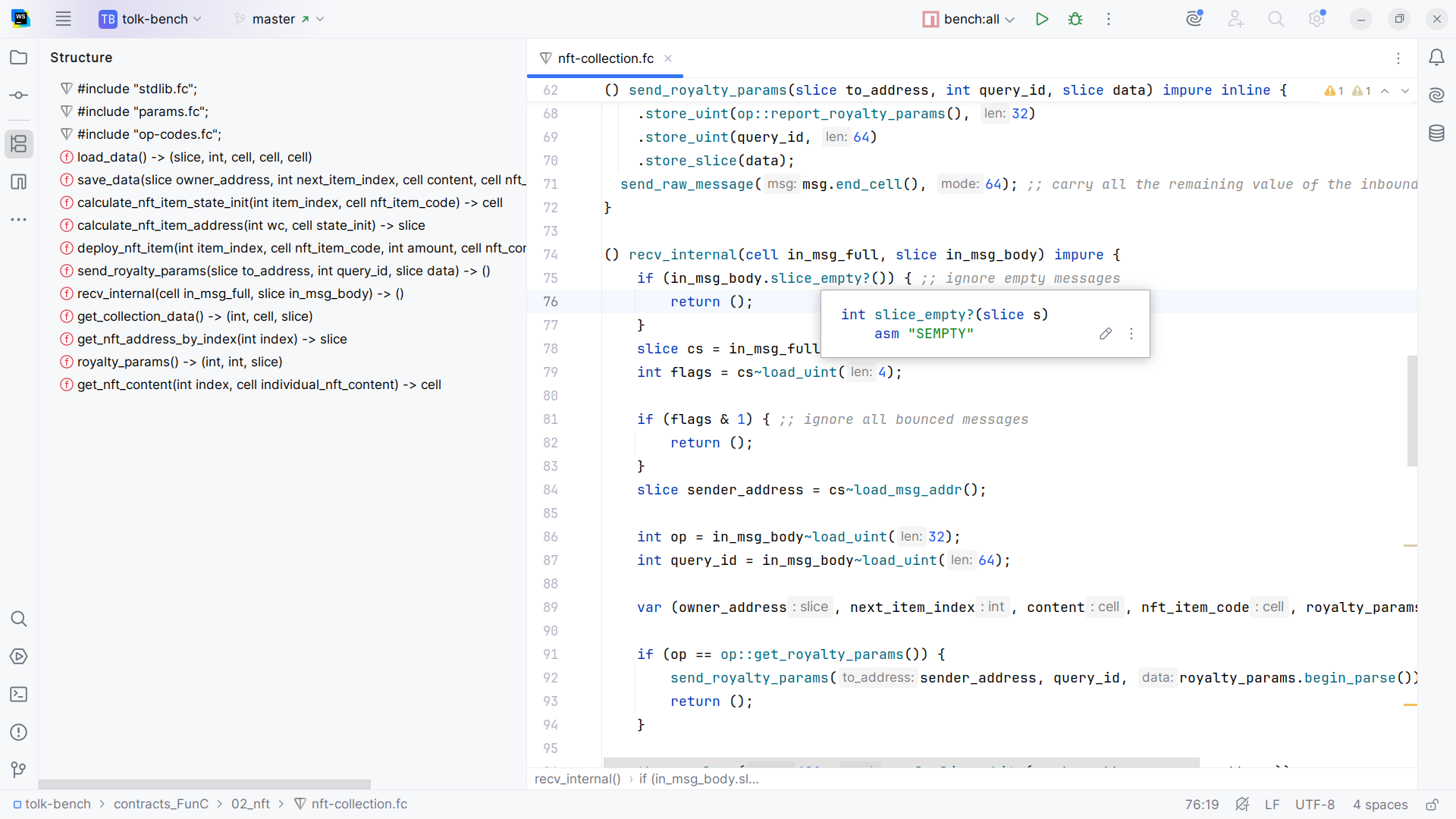
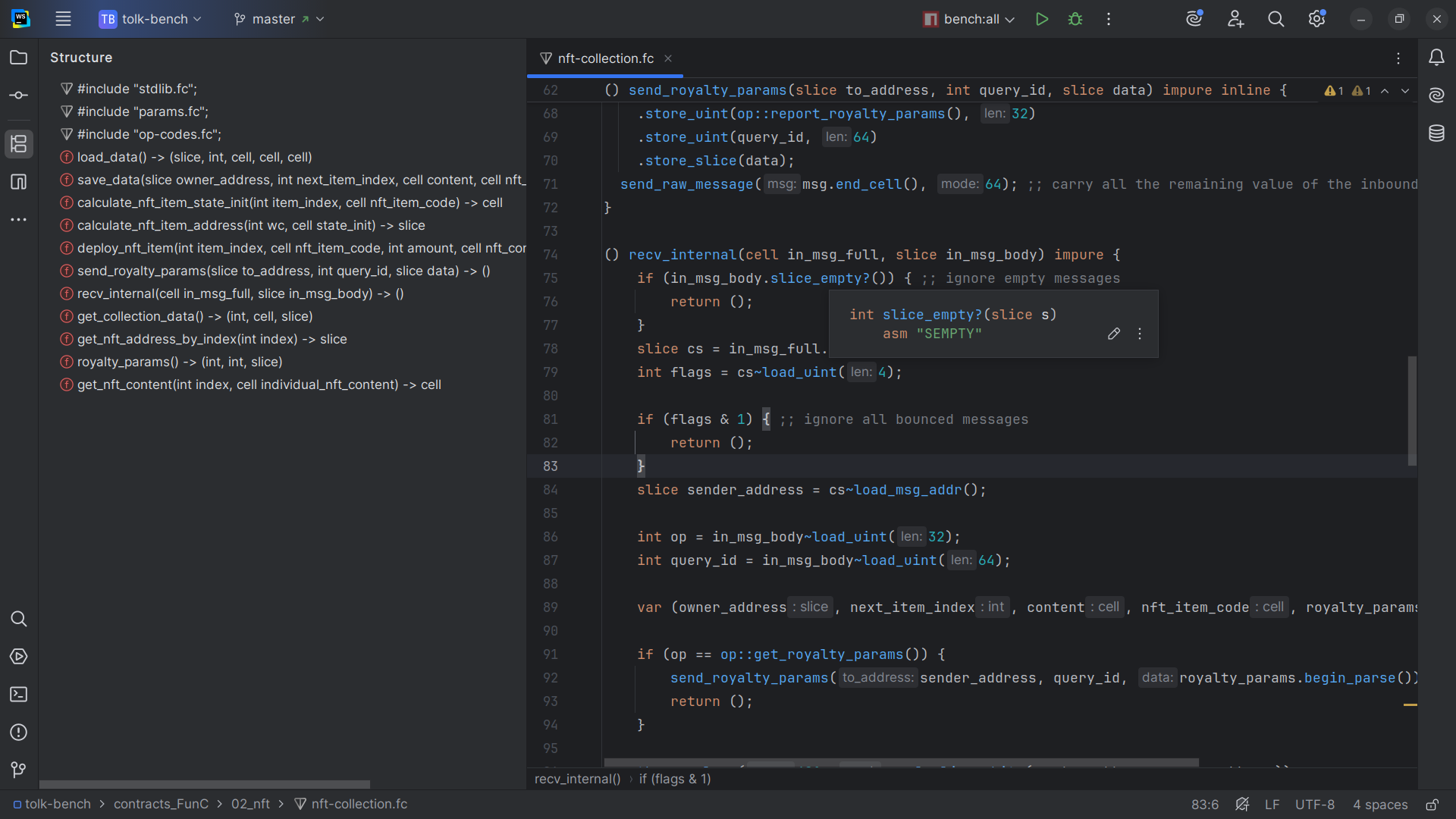
The plugin provides the following features for FunC files:
- Syntax and error highlighting
- Code completion
- Quick documentation
- Declarations
- Usages
- Inlay hints
- Inspections
Fift
File extensions: .fif, .fift
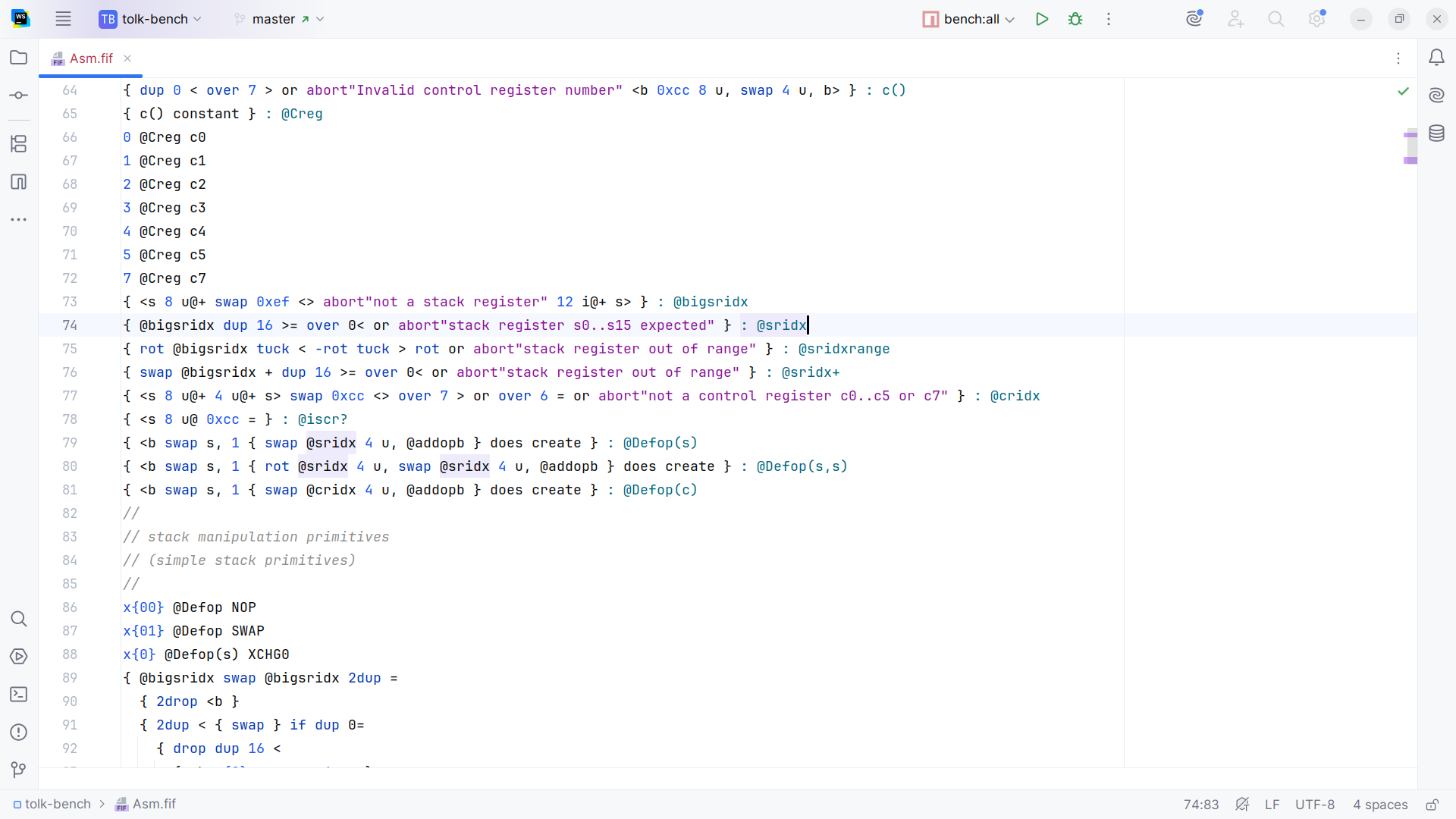
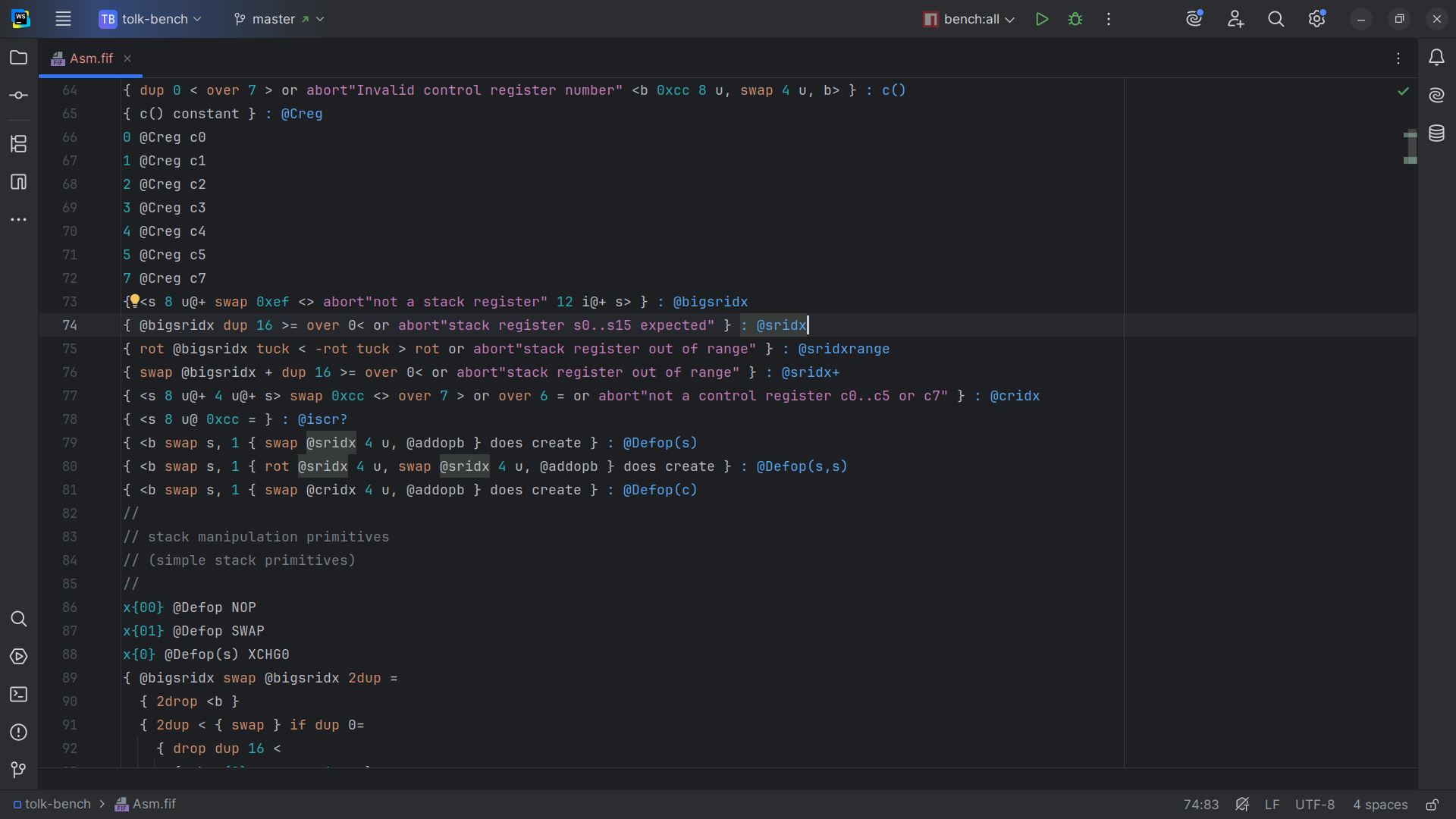
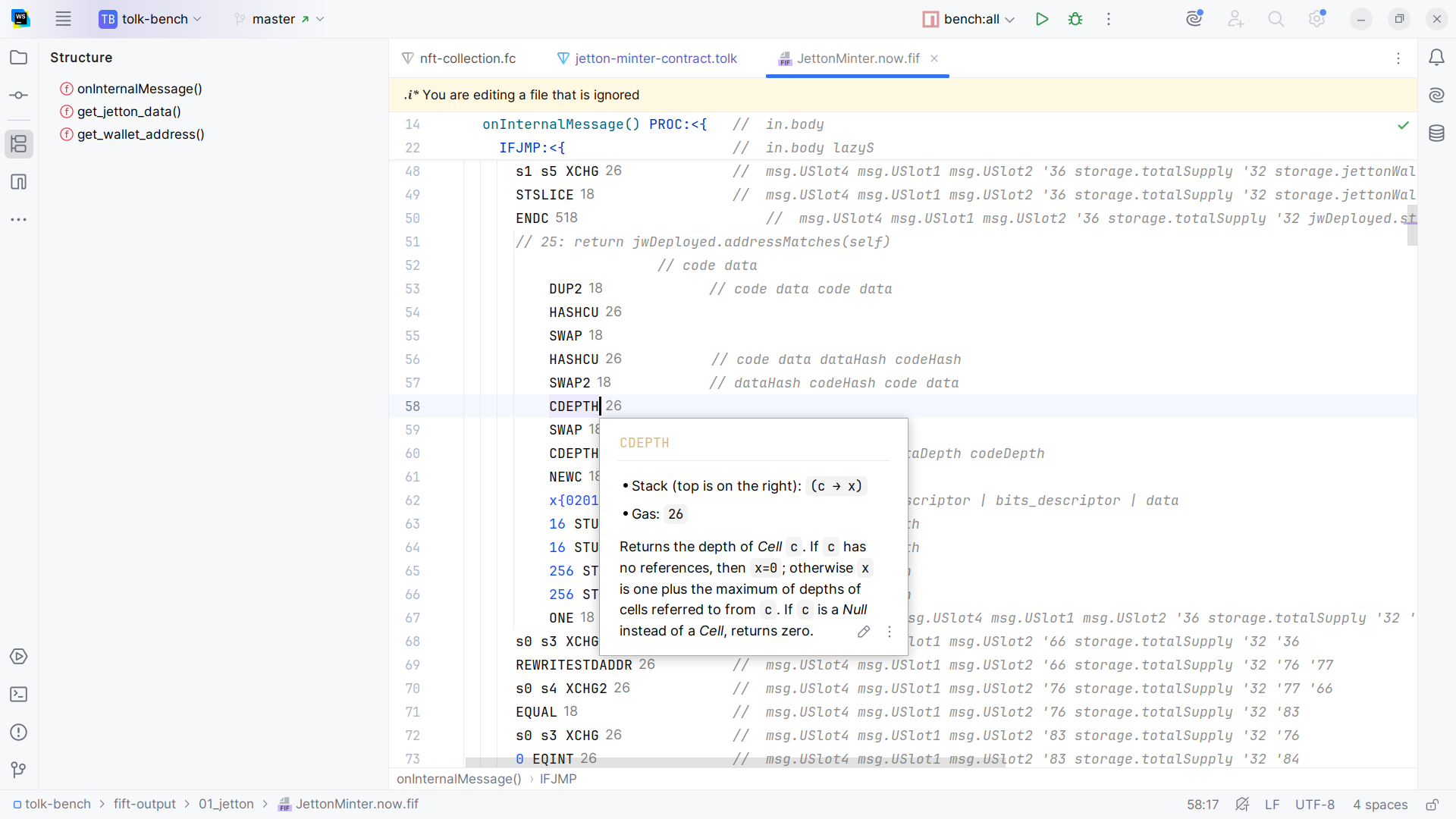
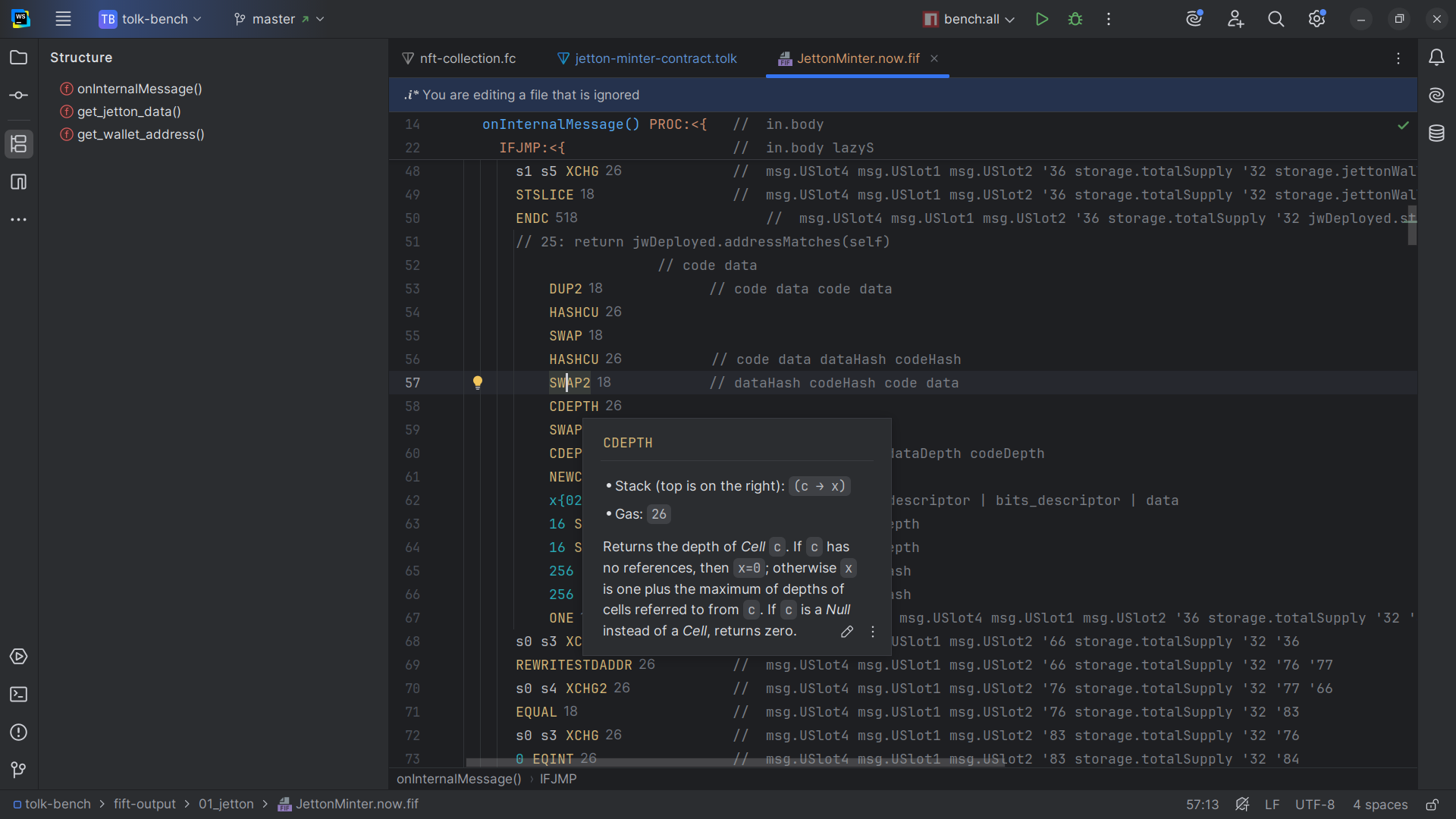
The plugin provides the following features for Fift:
- Syntax and error highlighting, with better support for Fift assembly
- Code completion
- Declarations
- Usages
- Inspections
TL-B
File extension: .tlb
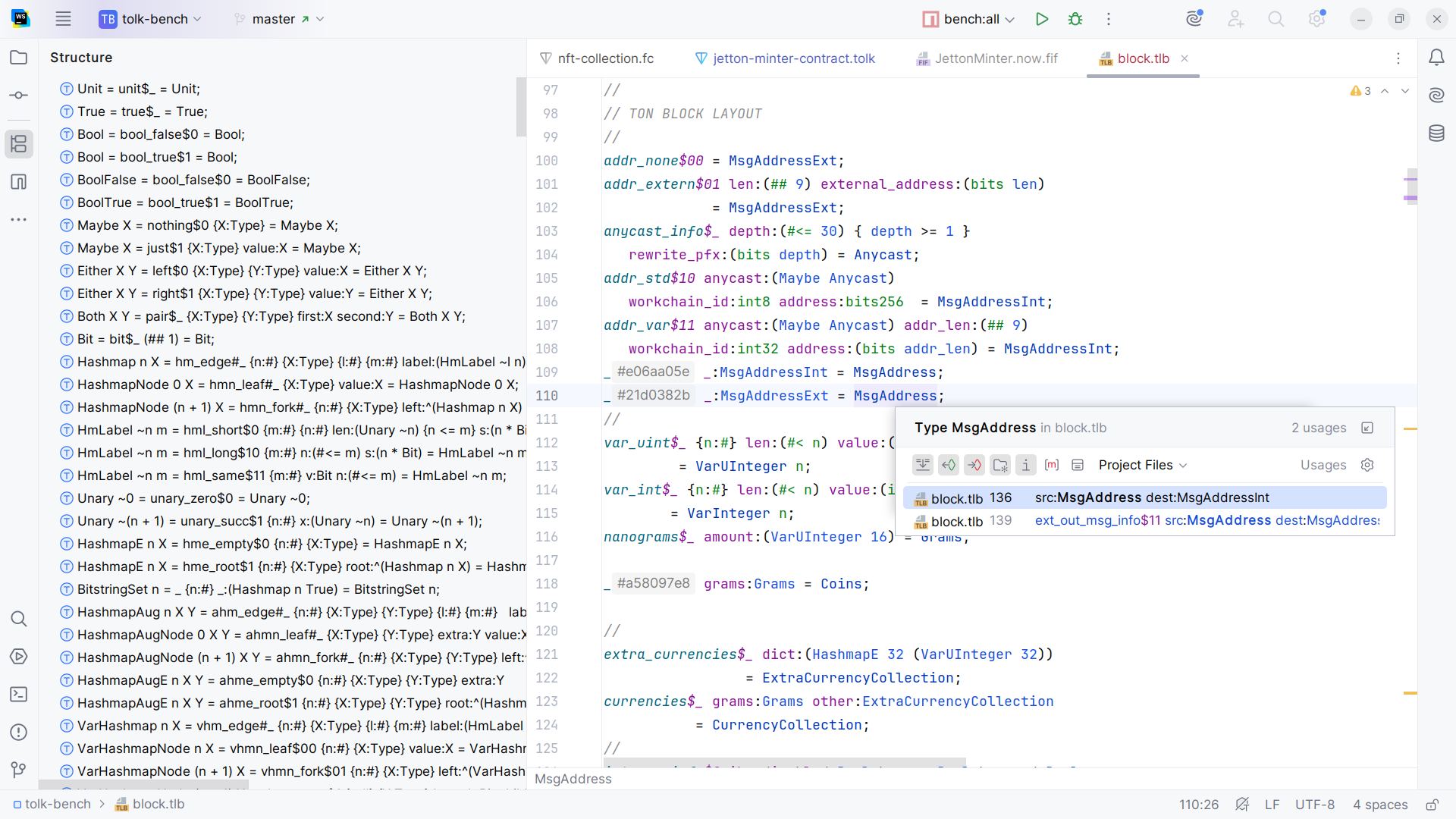
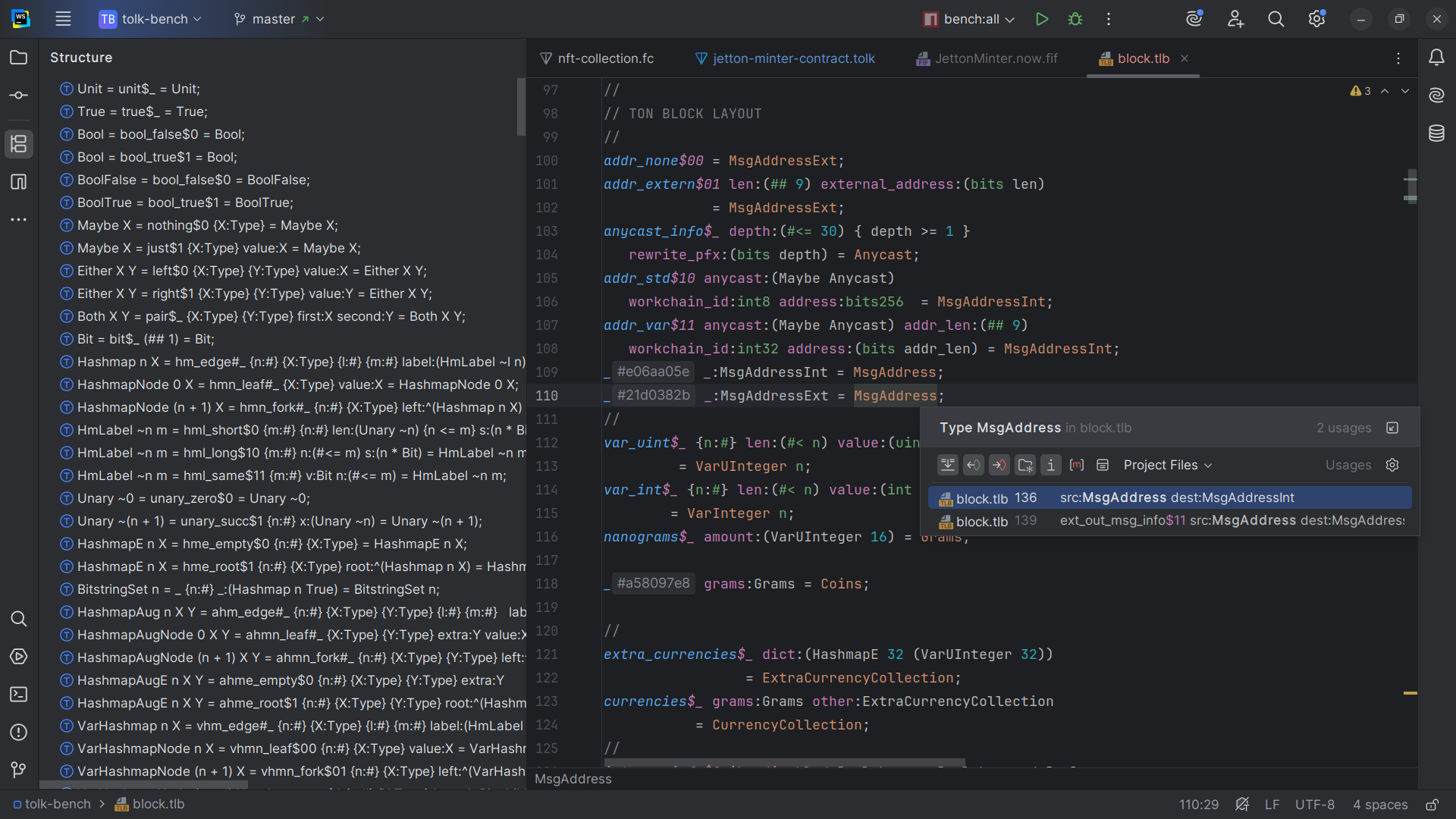
The plugin provides the following features for TL-B files:
- Syntax and error highlighting
- Code completion
- Declarations
- Usages
- Inspections
TASM
File extensions:
.tasm— textual bitcode assembly.boc— serialized binary smart contract code
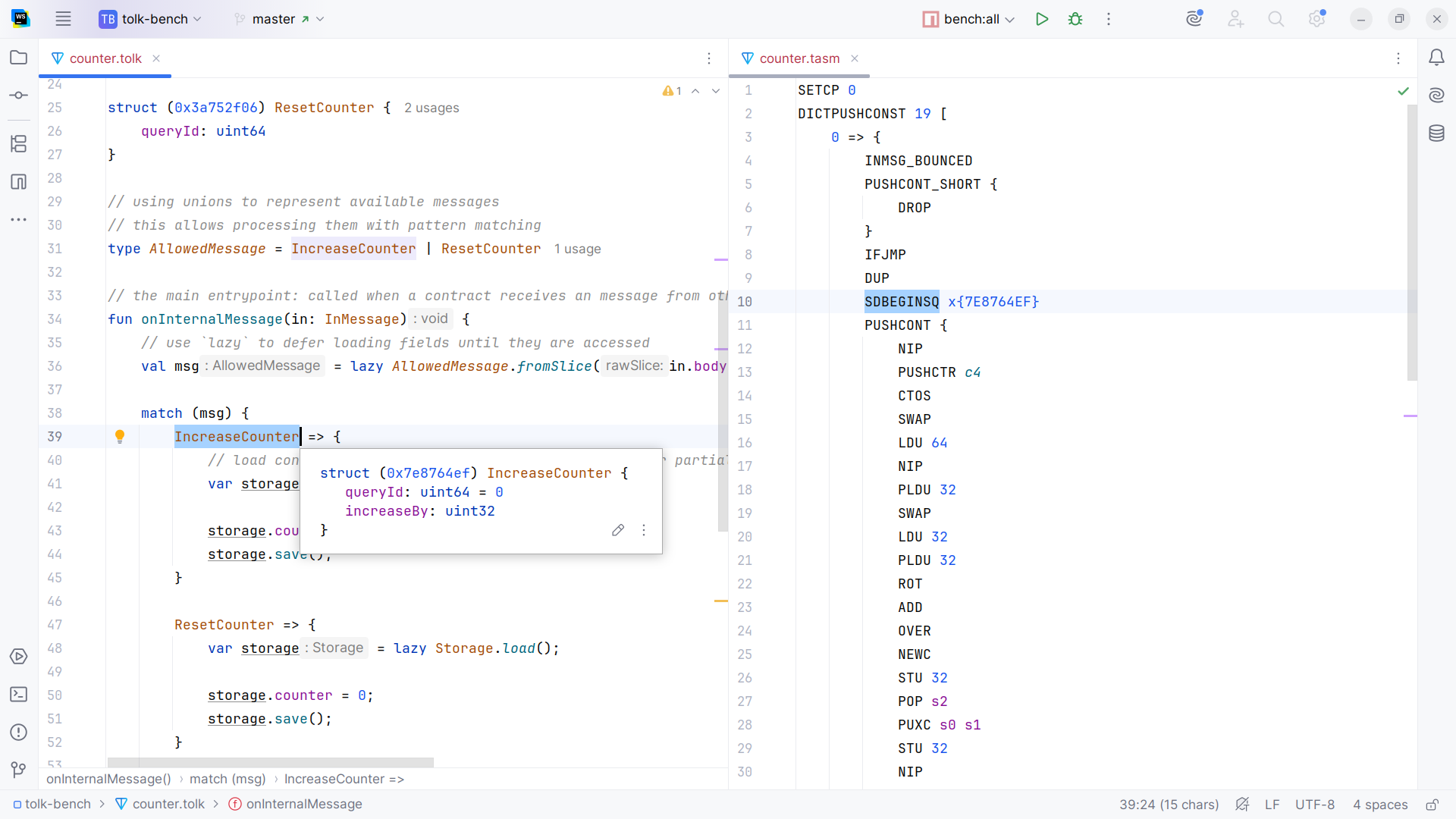
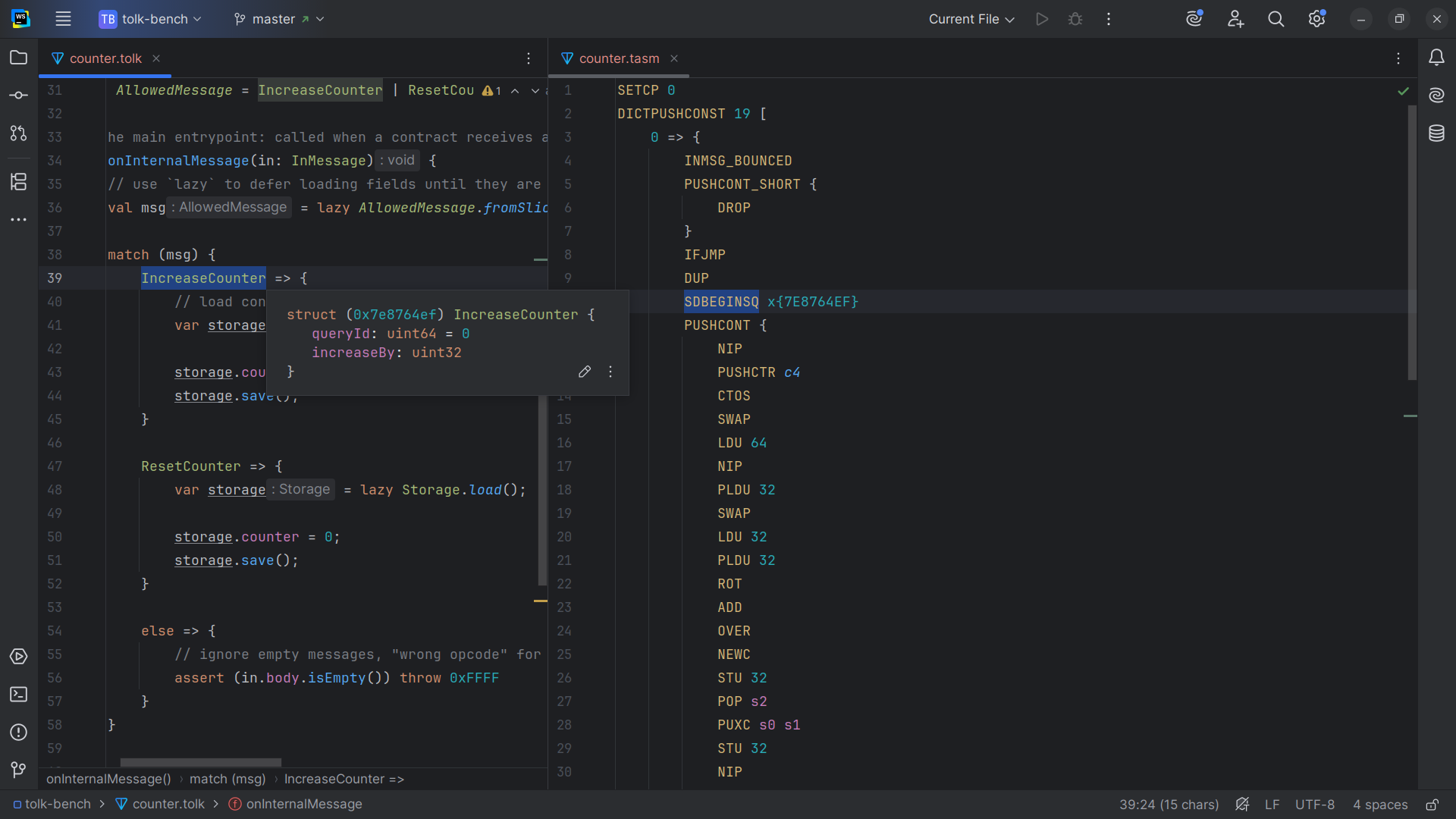
The plugin provides the following features for TON Assembly (TASM):
- Syntax and error highlighting of
.tasmfiles - Code completion
- Declarations
- Usages
- Inspections
Integrations
The plugin integrates with Acton — a recommended modern all-in-one Tolk smart contract development environment.
Older integrations
Plugin versions prior to v4.0.0 also offer support for:
- Blueprint — comprehensive TypeScript development environment for TON smart contract development
- Sandbox — local TON emulator
Since version v4.0.0, Acton is used as the primary TON development toolchain.
Community
Follow news and development discussions in Telegram channels and chats.
Last updated on