

Traces
A trace is a partially ordered set of messages according to the causal relation: "A is sent as a result of processing B". This set includes all dependent messages and related transactions. A trace can span several accounts and blocks.
In other words, if message B was sent while message A was being processed, then both of these messages belong to exactly one trace.
Start of the trace
Most traces begin with an external-in message to a wallet contract, triggering a wallet transaction.


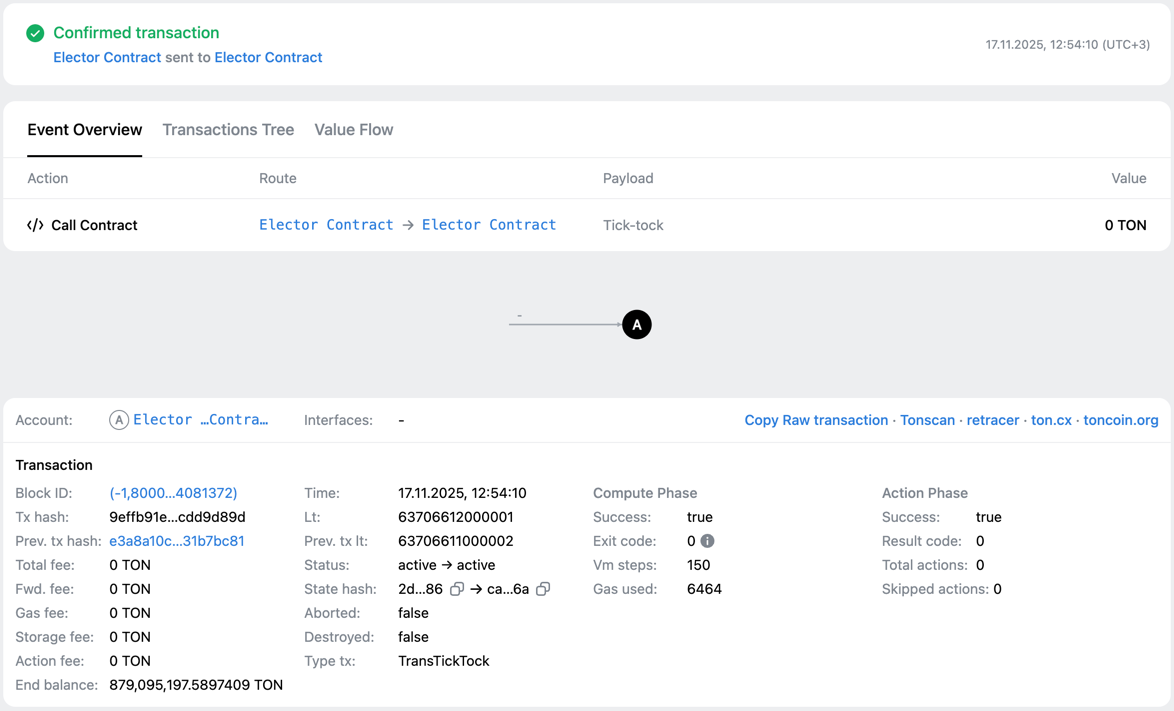
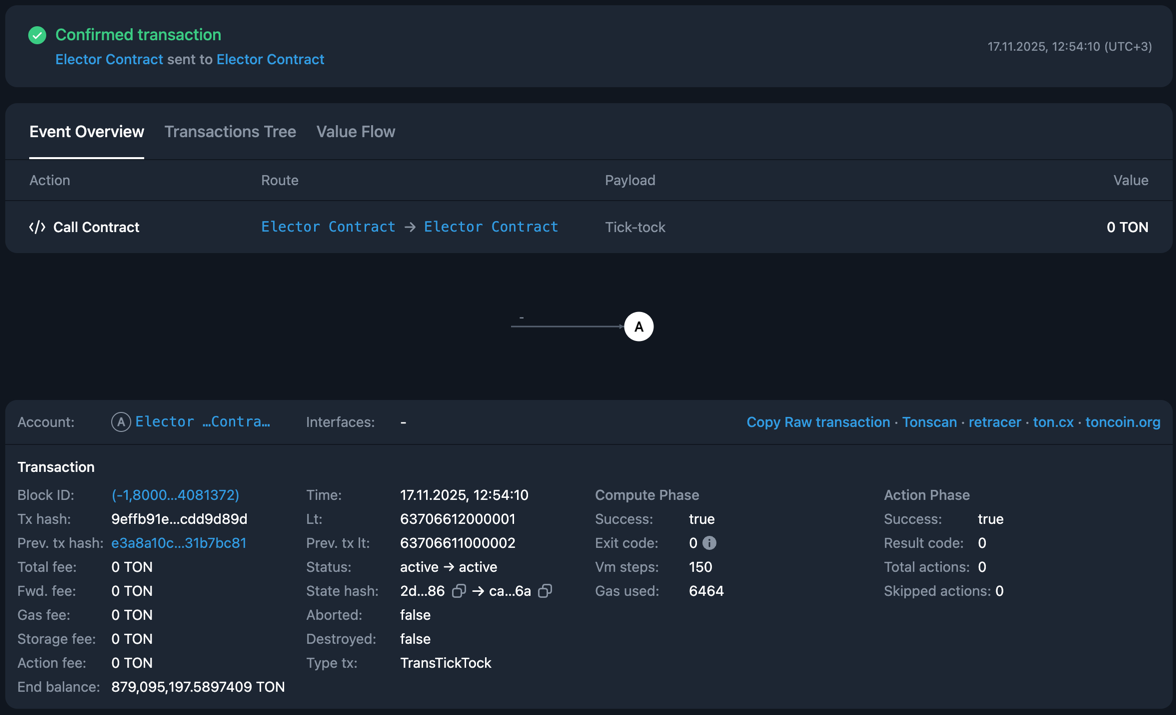
Tick-tock transactions can also start traces. These election system-triggered events do not have an incoming message.
In explorers, traces that start with a tick-tock transaction are often marked as initiated by the blockchain protocol.
Logical time
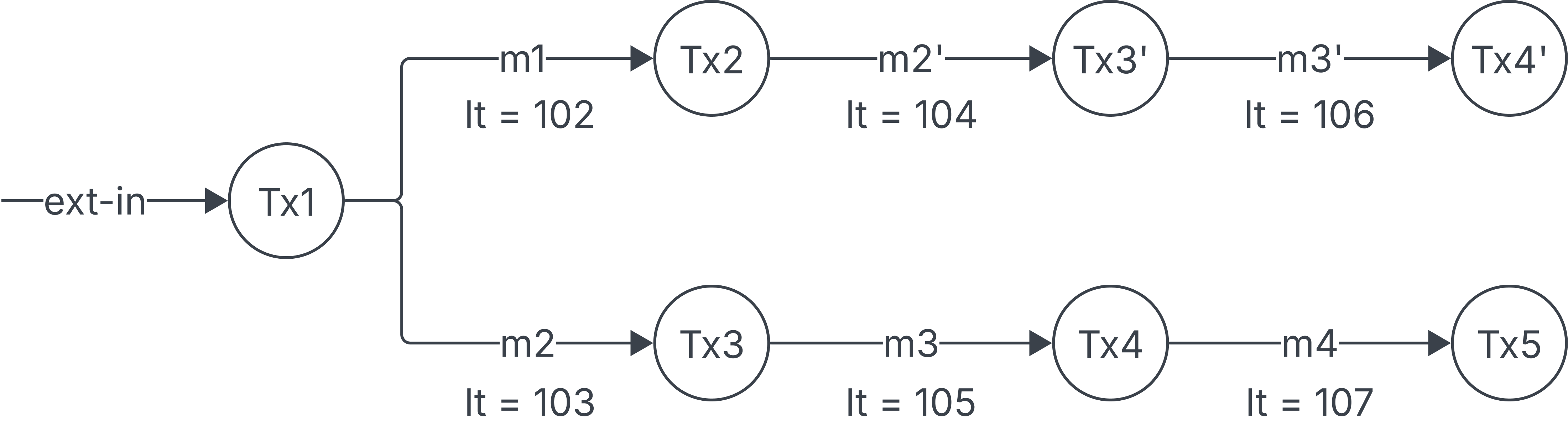
Transactions and messages in a trace are ordered by logical time (or lt), a non-negative 64-bit integer representing each event in a logically-dependent event sequence. The first event in a trace has the smallest lt value.
Logical time is not the elapsed wall-clock time.
A transaction receiving an internal message has a logical time greater than that message's creation time, and less than the logical times of its outgoing messages.
A receiving transaction's lt is not necessarily the incoming message's lt plus one: account history and the block's logical-time constraints also affect its assignment.
The first produced masterchain block has the lt of 1,000,000.
Representation in explorers
Explorers visualize traces as directed acyclic graphs (DAGs), showing the full sequence of account state changes. Transactions appear as nodes associated with accounts, and messages connect them as edges. The same account can have several transactions in one trace.
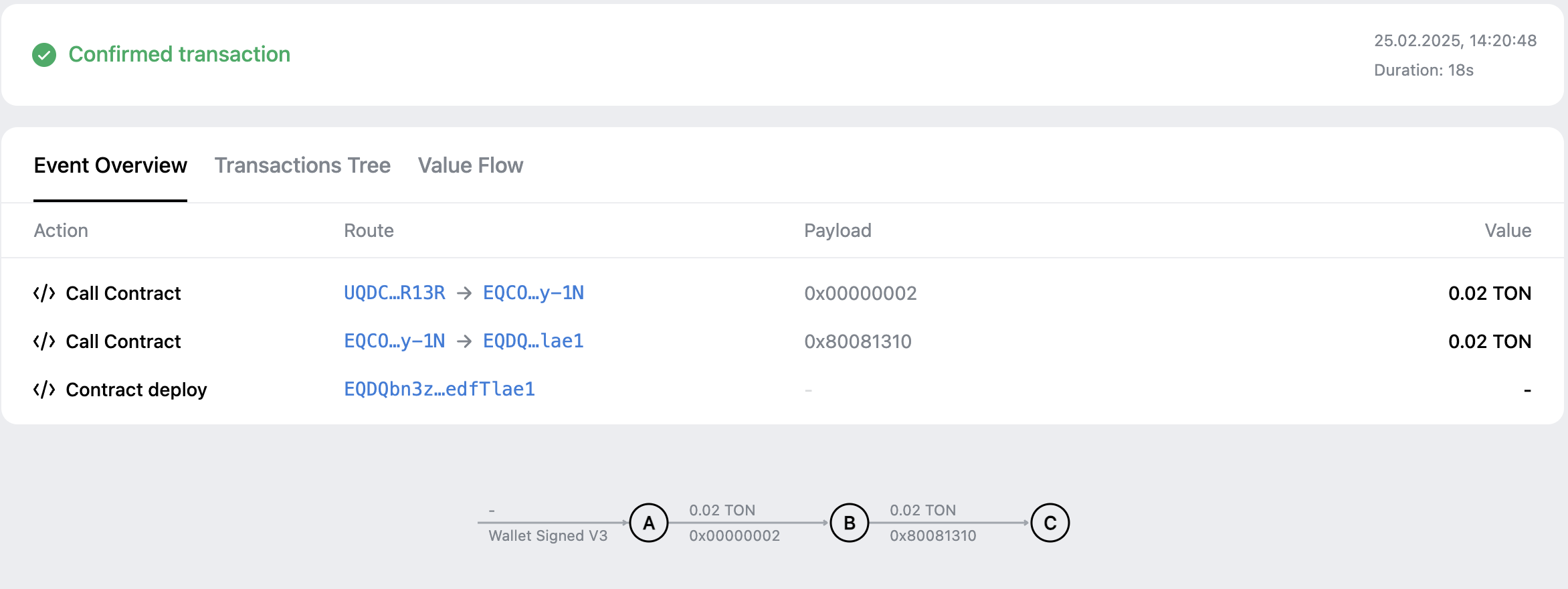
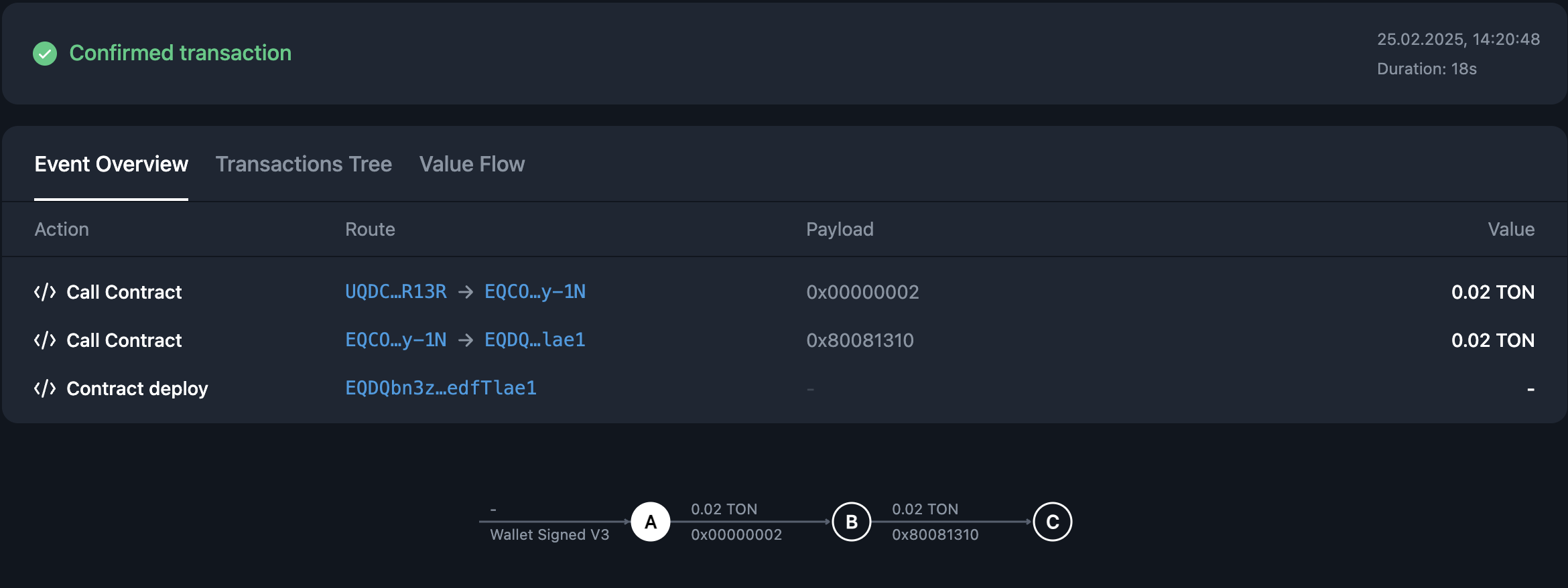
Explorers may display a partial trace if some messages or related transactions are unavailable or currently inaccessible from the indexer.
Successful execution of an individual transaction in a trace does not by itself establish the success of the whole operation. Higher-level summaries given by explorers are interpretations of the trace data.
Examples
See the explorers overview page for practical examples on how to:
Access using API
Use the GET /traces endpoint to retrieve traces. It can filter and locate traces by related accounts or time ranges.