How to get coins on testnet
Testnet coins are used for development and testing on the TON testnet. To obtain testnet GRAM, a testnet wallet is required.
For regular requests of 2 GRAM per hour, use Telegram Testgiver TON bot or Acton's faucet.
Use Testgiver TON Bot
-
Download Telegram and create an account.
-
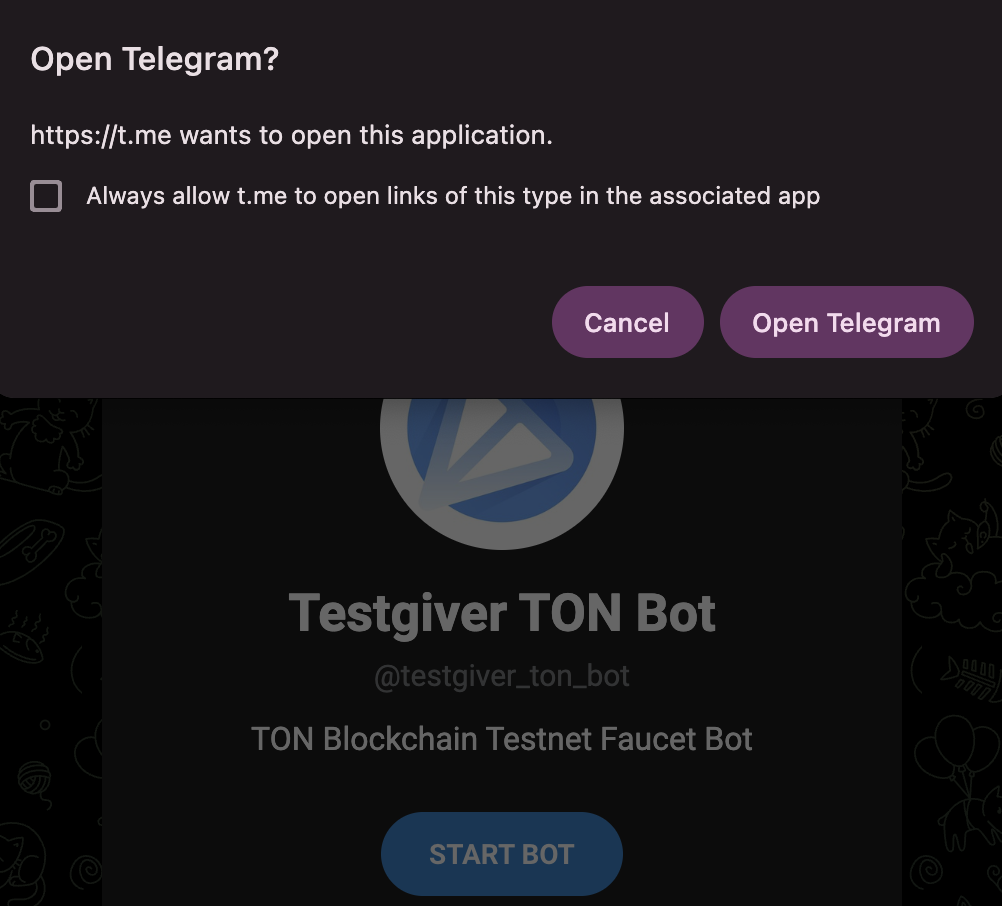
Open
@testgiver_ton_botin a browser and click Open Telegram.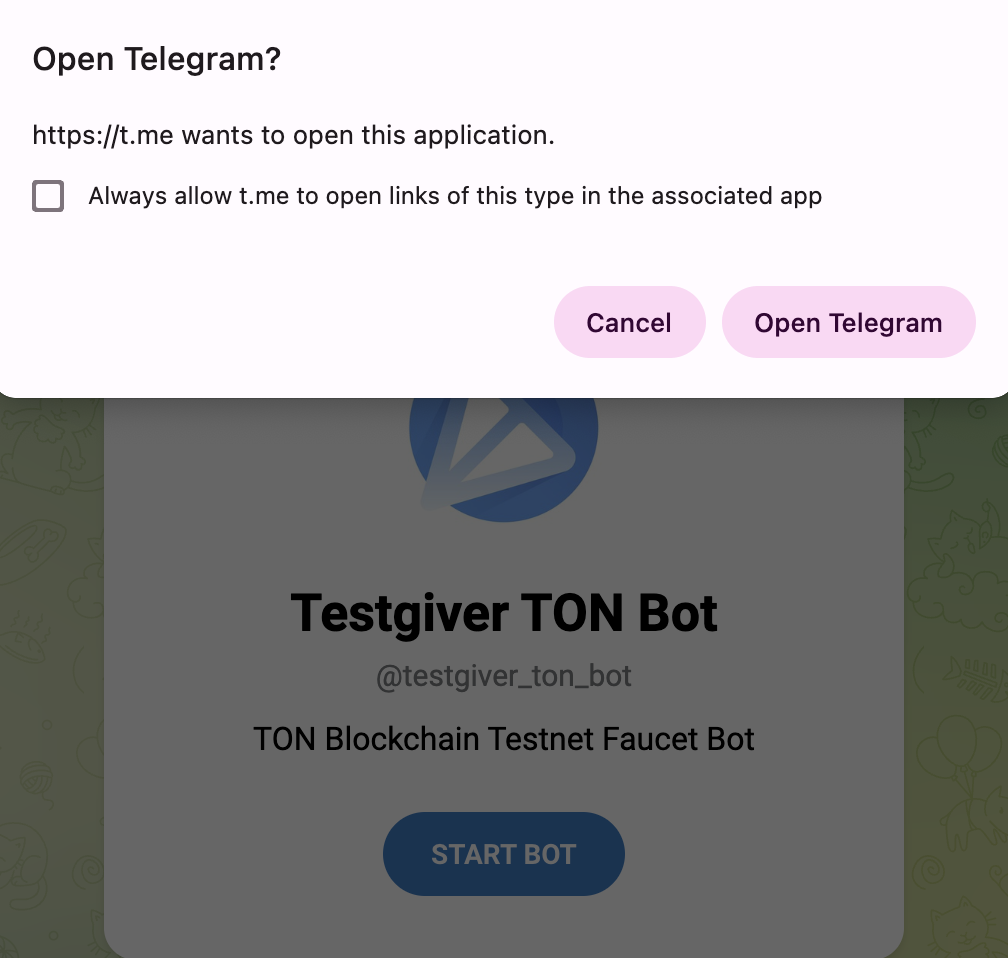
-
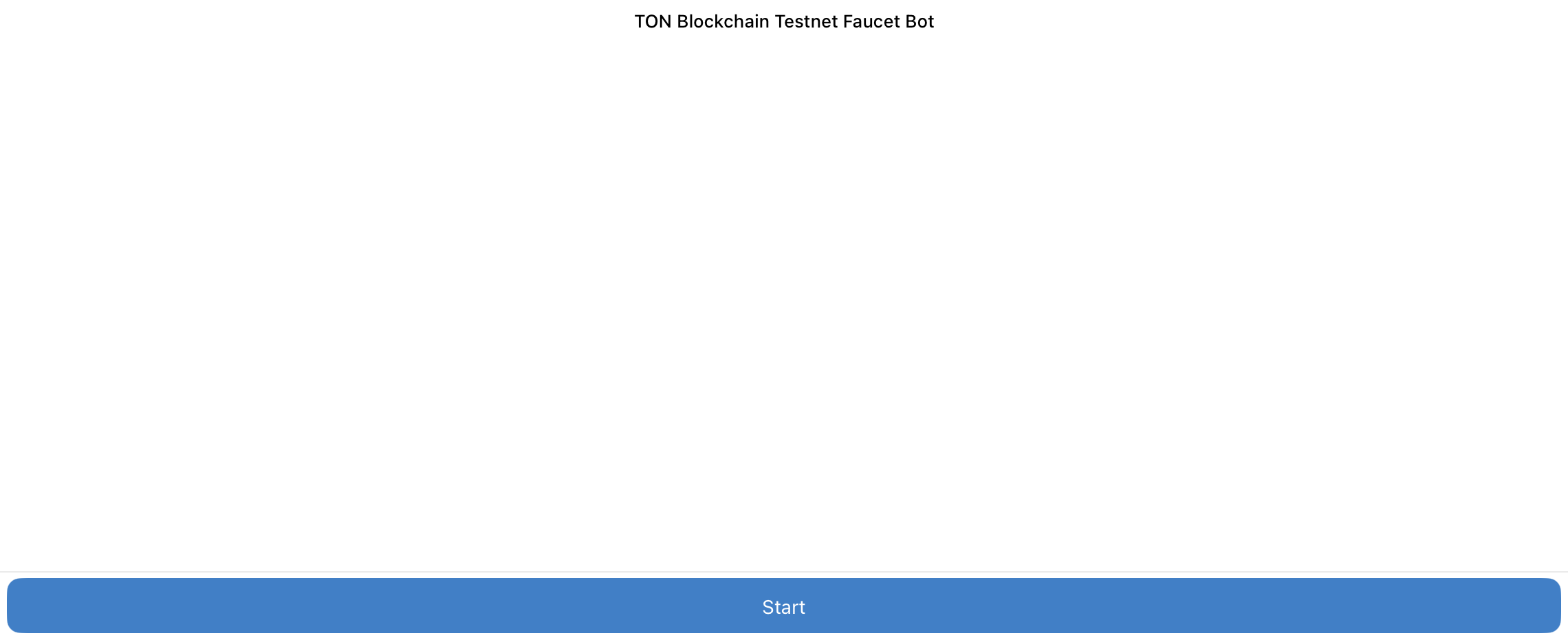
Once the bot opens, click Start to initiate the session.
-
After the
/startcommand is sent, the bot displays a welcome message. Click Get 2 GRAM in testnet to request test coins.

-
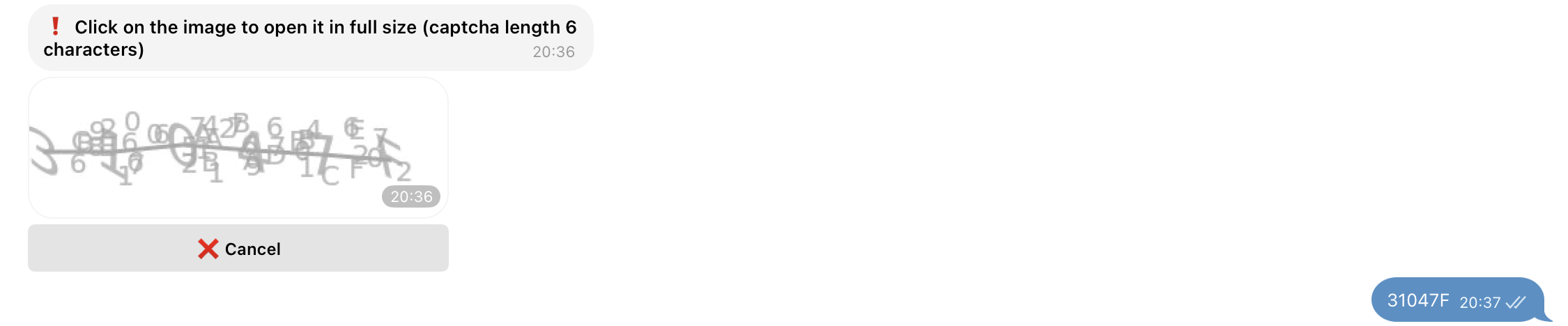
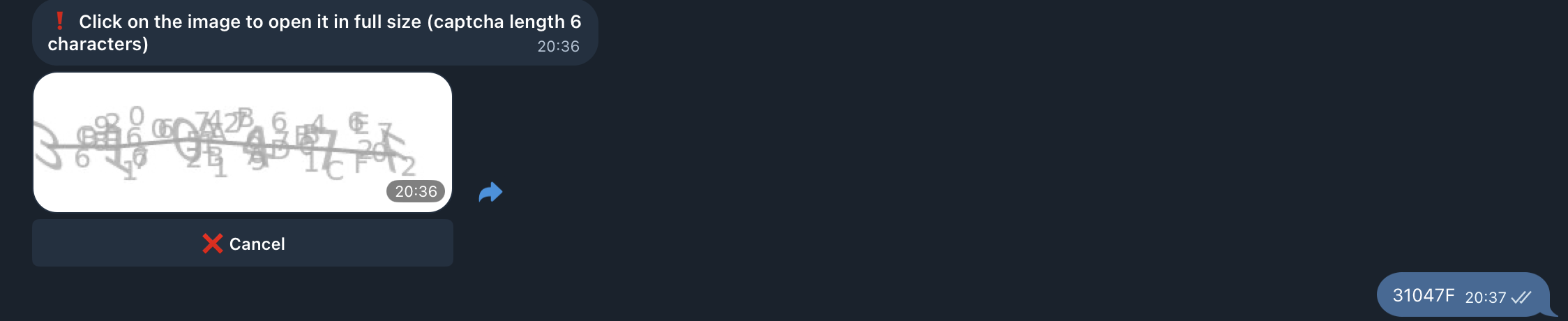
A captcha prompt appears. Open the image to view it in full size and enter the displayed characters.
-
Once the captcha is complete, enter the testnet wallet address.


Verify that the pasted address belongs to the testnet. Mainnet and testnet addresses are distinct. See Internal address formats for details.
-
After submitting the address, a message confirms that the request is queued. Then, the bot processes it and sends 2 Gram in testnet.


-
No additional confirmation is sent when the request is processed. To confirm receipt of the testnet Gram, see Verify the transfer.
-
To request again, open the menu in the lower-left corner, select
/get, and repeat the steps.

Verify the transfer
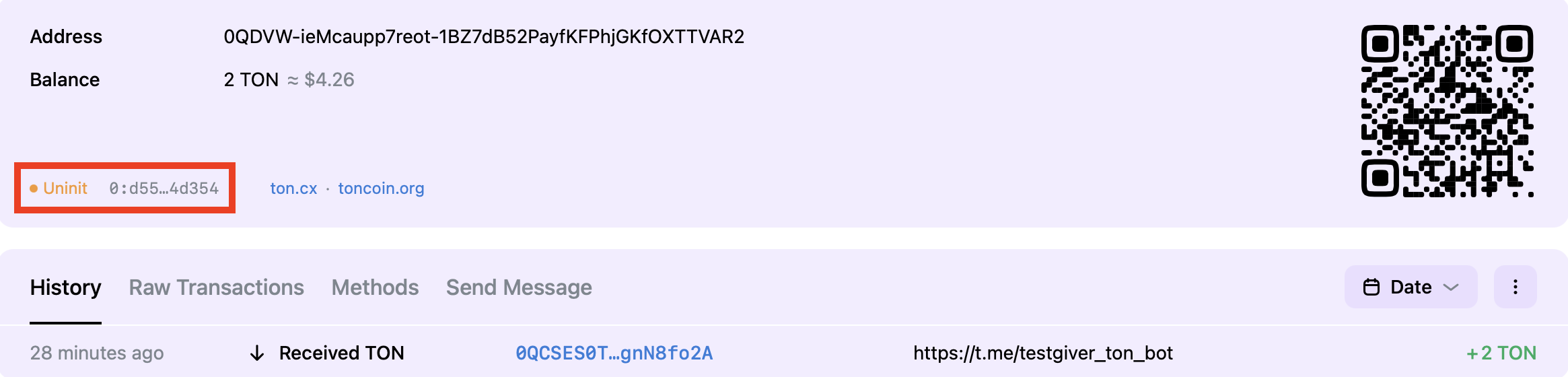
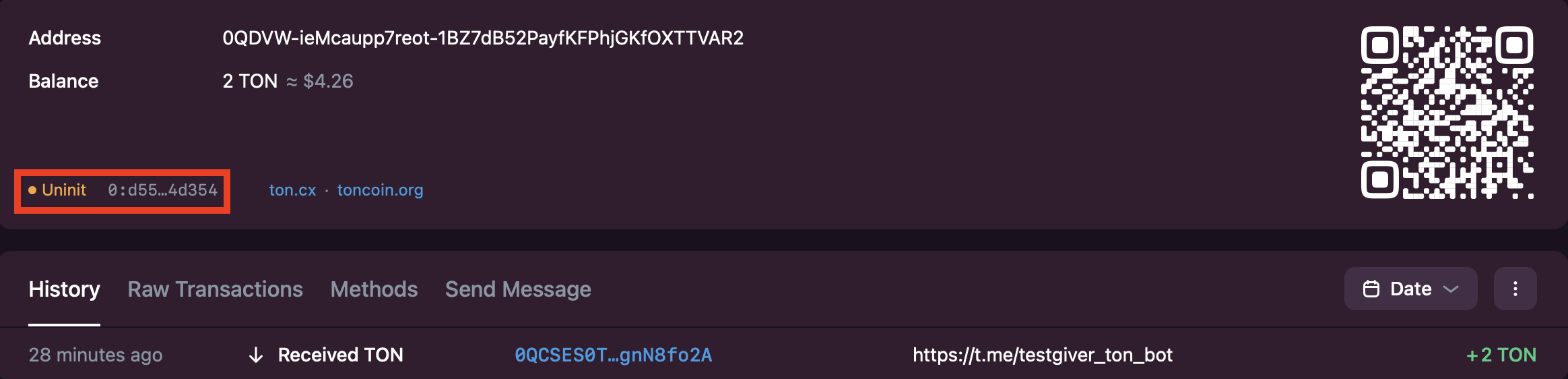
After requesting tokens, use the explorer to verify that the transfer occurred:
- Open the testnet explorer, enter the wallet address in the search bar, and press Enter.
- The explorer shows the current balance and transaction history, including the testnet Gram received from the bot. The account state is
uninit, indicating that the account is not deployed. - To deploy the account send any transaction from the wallet.